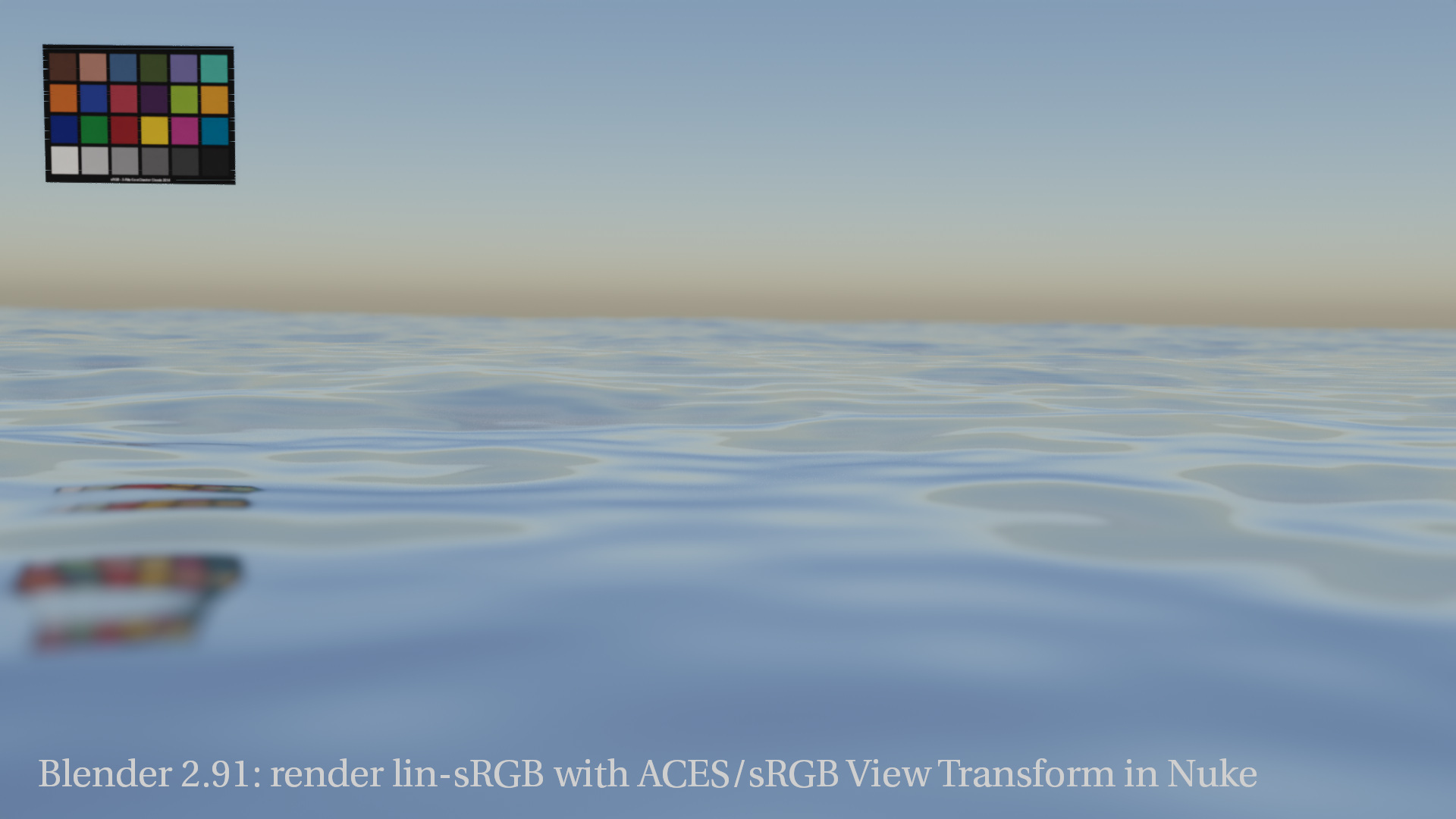
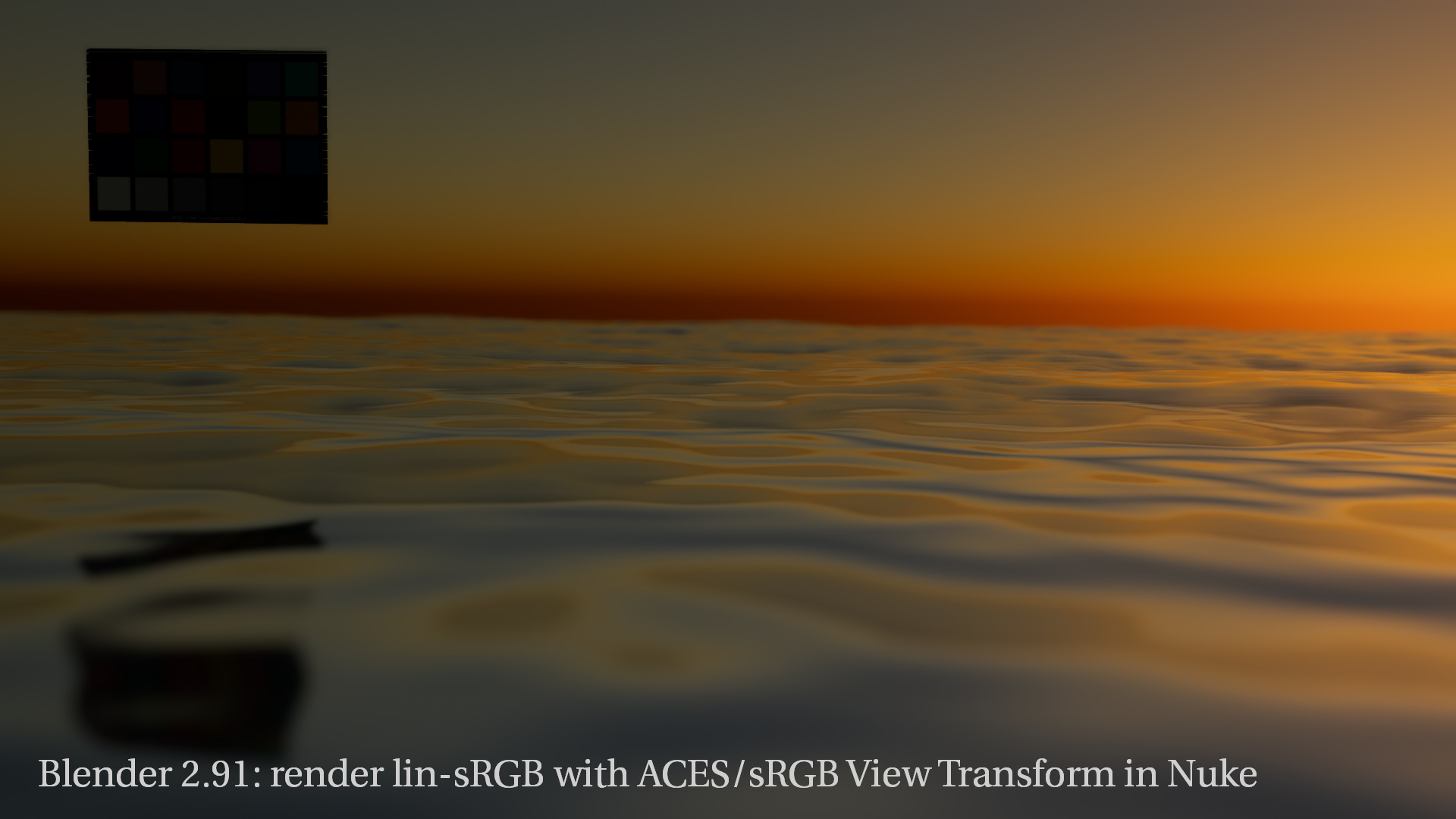
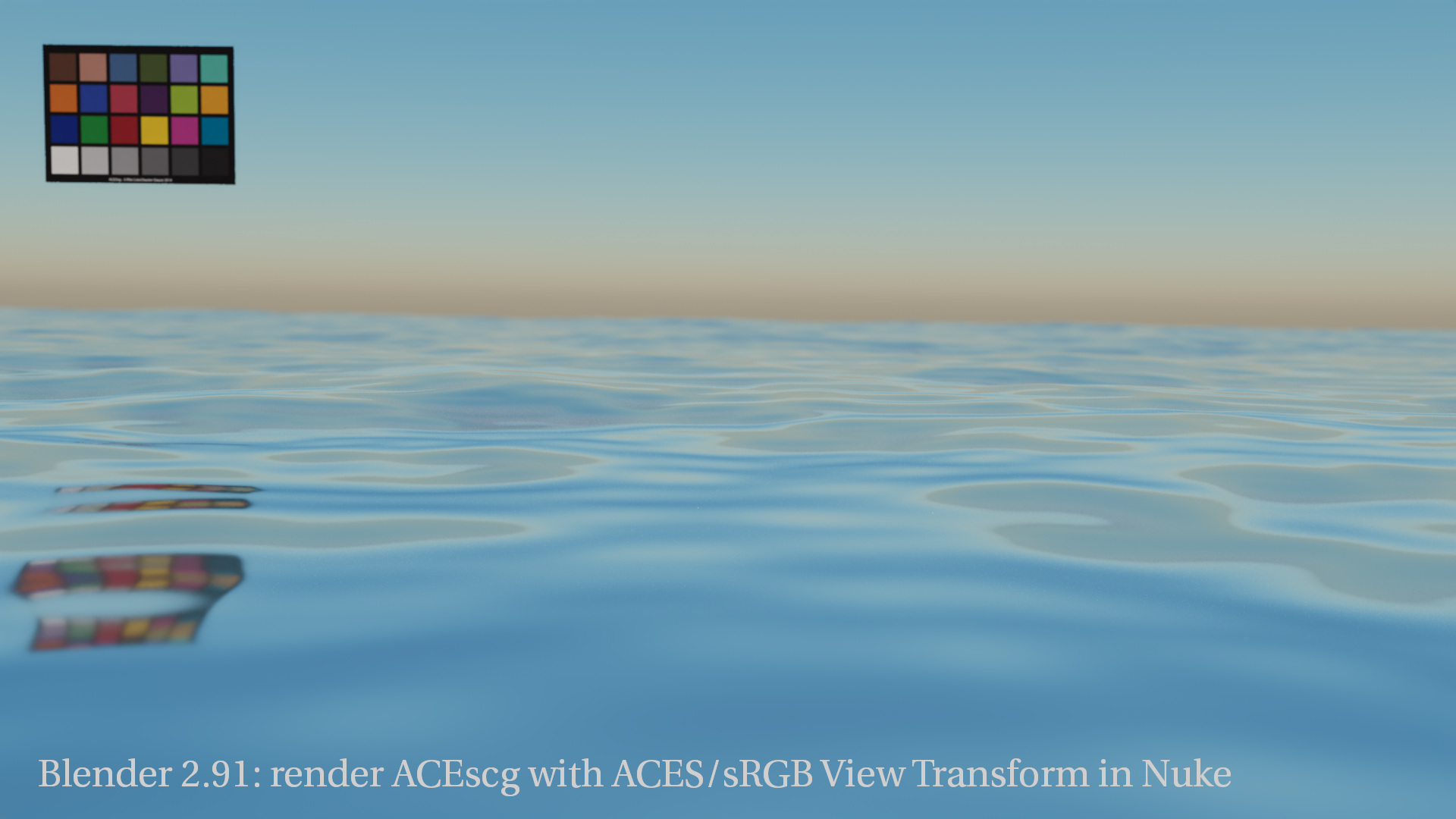
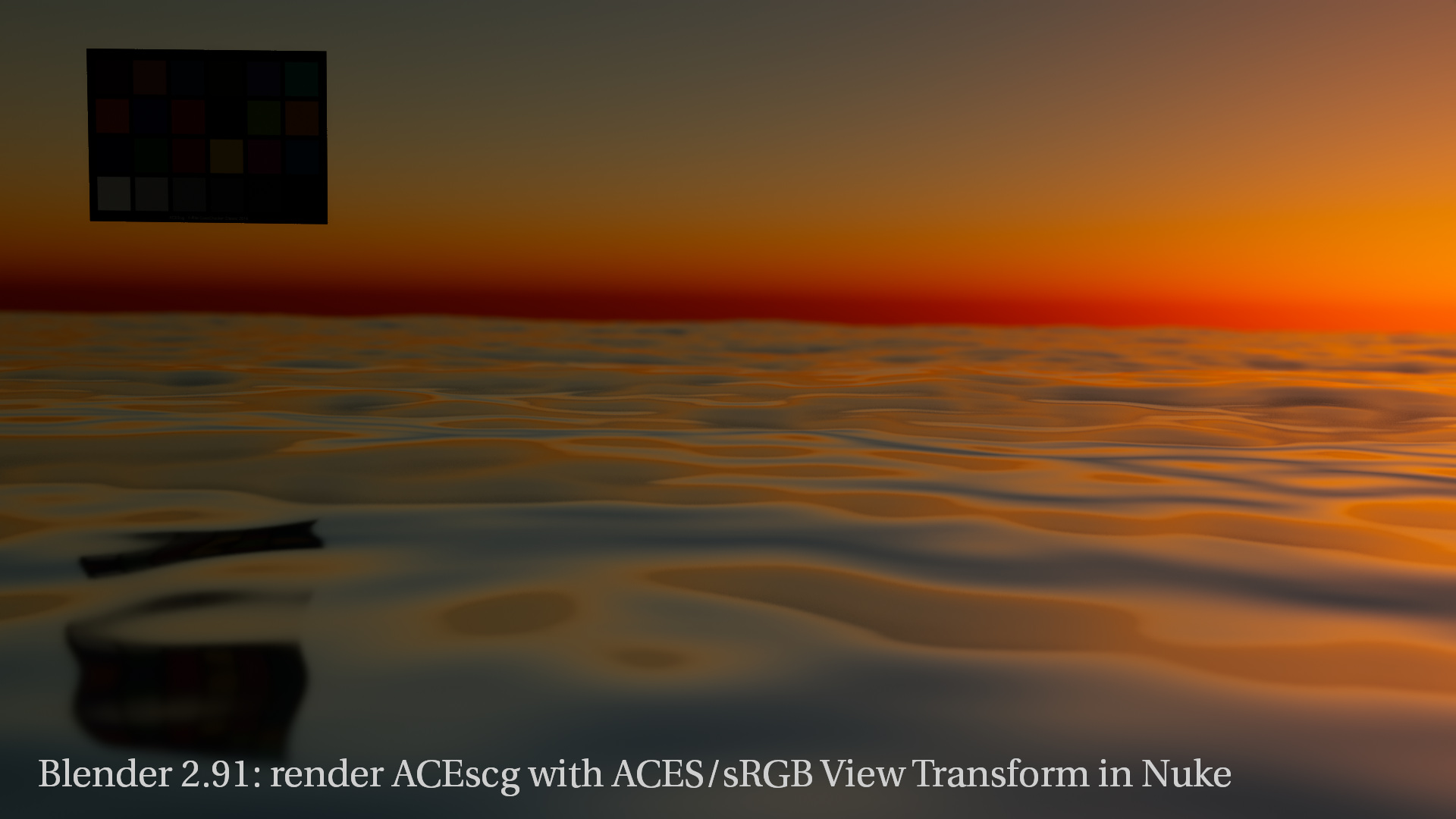
The menus of this site were getting too crowded with entries over time. I rearranged some of the menu points and brought three topics up on the main menu structure:
HDR.toodee.de
Learning ACES
Understanding ACES
I hope in this way the site is easier to navigate again.
After a quiet January without any project, here is the first project of 2021 for Deutsche-Post and DHL. The main task was to “paint” the building outside yellow and slightly altering the age of the actor in one shot plus some display inserts. A fun one week job.
The second project for the month was for MeinAuto.de, a leading online-portal for new cars. I overlooked the whole project in post at Infected.digital, setup comps for first approvals, and comped a bit myself.
One of the longest projects I have ever worked on: The VW project for the new ID.4 started in November 2019 and I worked on it (with a long corona pause) until July 2020. The project contains two campaigns for two versions of the car. The format mix of 25 & 50 fps on the shoot and later in post-production was a big issue. Delivery formats ranged from UHD 50 fps, over HD 25fps to countless social media formats in 25 fps.
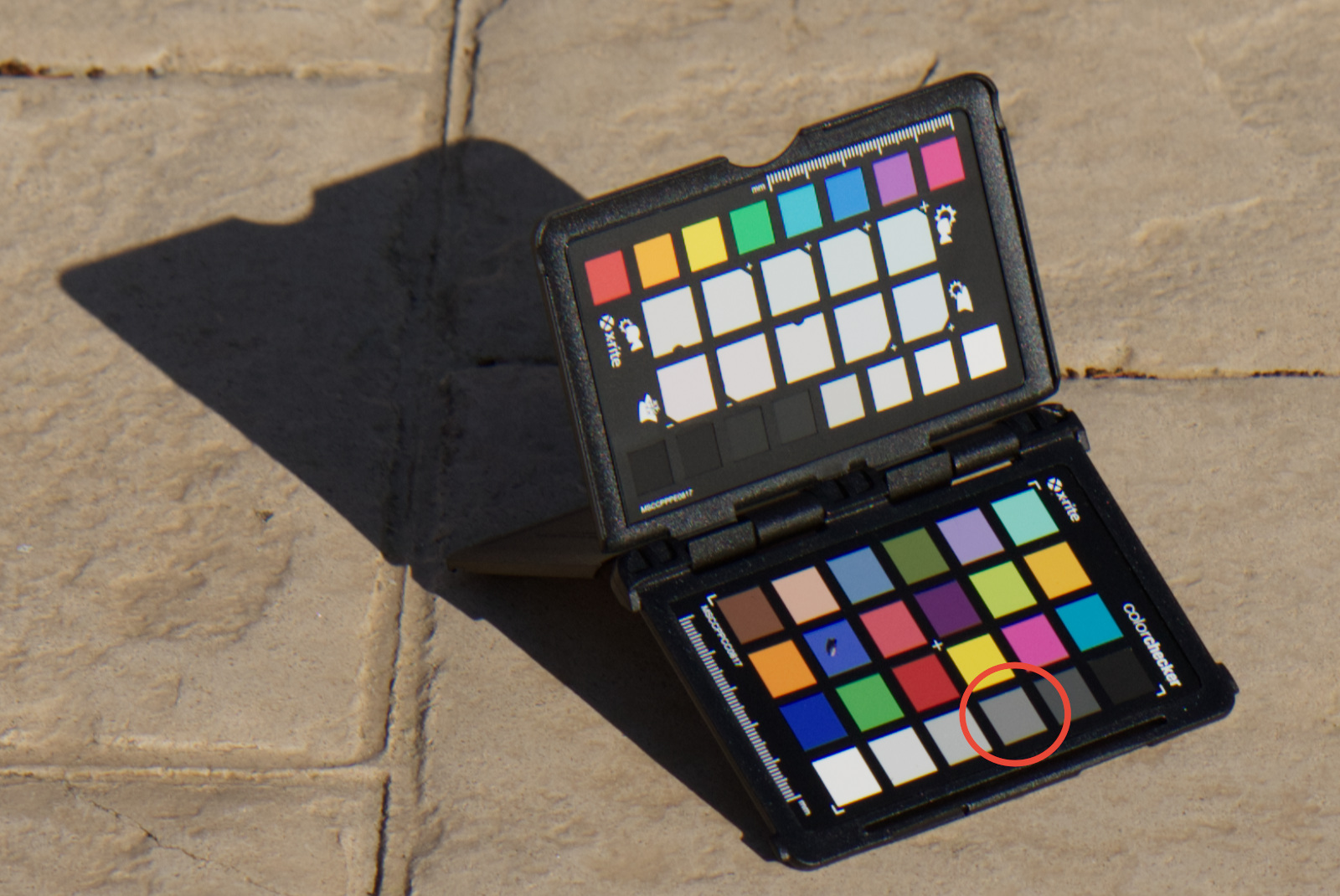
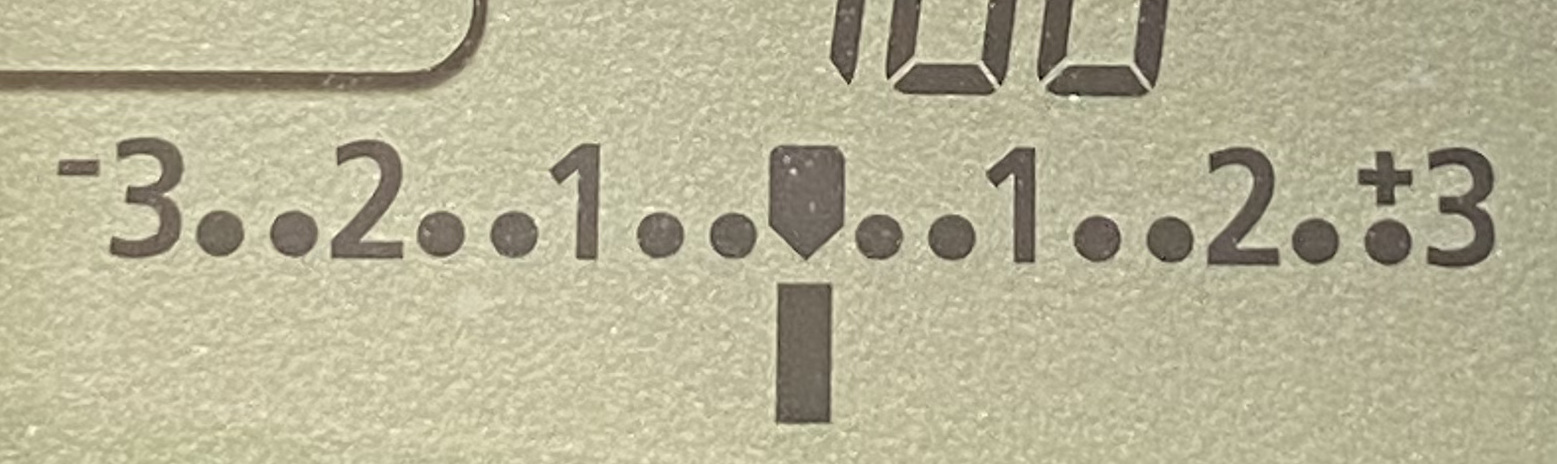
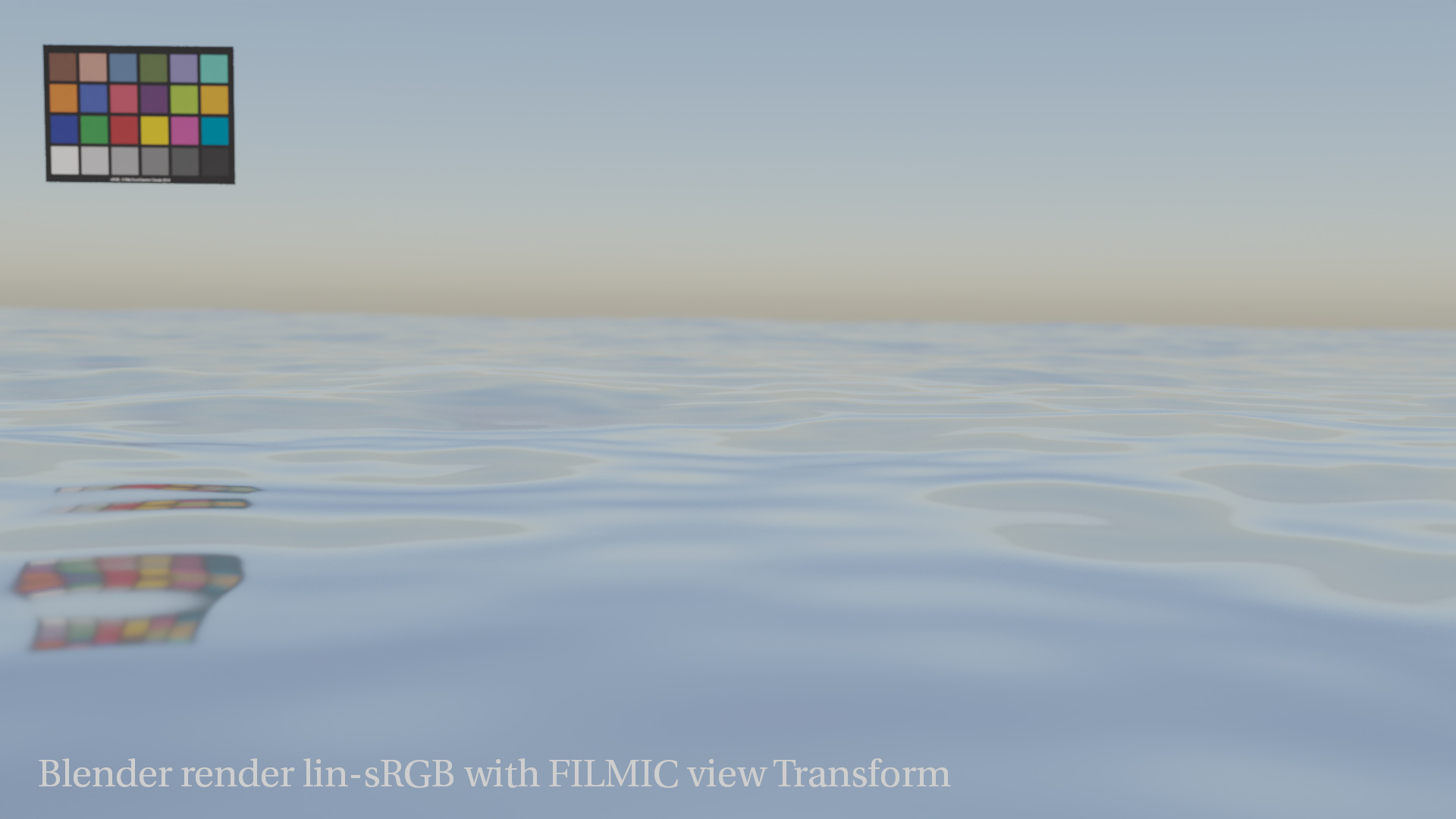
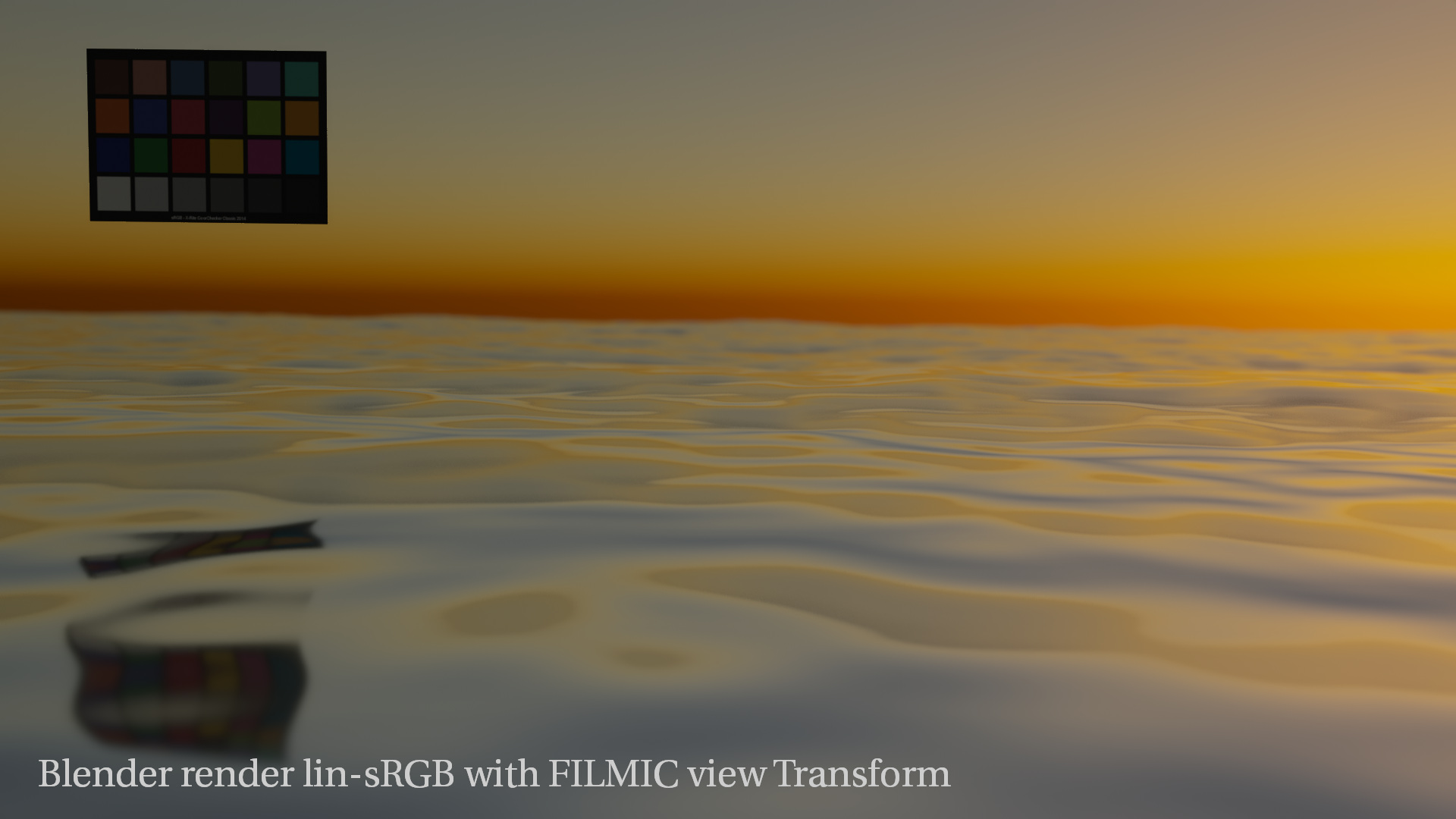
A more detailed look into photographs of a colorchecker.
This latest article took long to write. Up to now I always used my colorchecker (A.) as intended and it was helping my efforts to exposure balance HDRIs to background plates. After all the working steps I could add a 3D render into the background plate successfully (Z.). So do I have a working pipeline from A-Z? Yes! Do I understand it? No.
So this time I focussed only on the colorchecker itself. I made a lot of pictures of the colorchecker with different exposures and lighting conditions and examined the image results in with the help of the color management system ACES. Although it is obvious that I examine the image results with my eyes, I am still learning what these results actually mean.
The last project of the year. The tasks for this job included set supervision, team lead and nuke comp and flame online. Other recent work can be found here.
This site got updated to the latest default WordPress theme “Twenty Twenty-One”. Hope you like it.
When I think back what sites I visited the most in 2020 (related to nerdy stuff), where I spent the most of my “free” time reading, learning and participating, I came up with this small list of links:
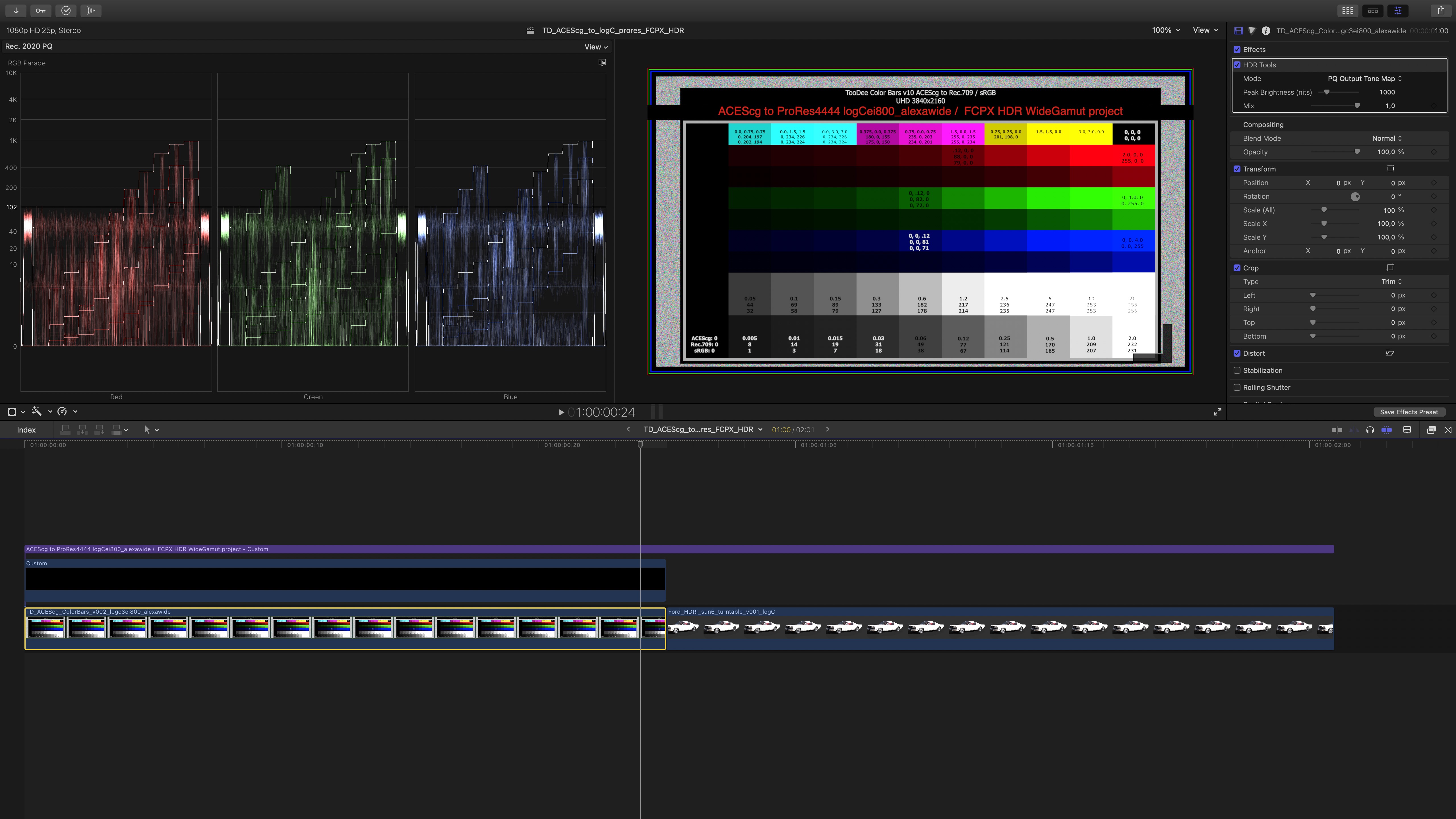
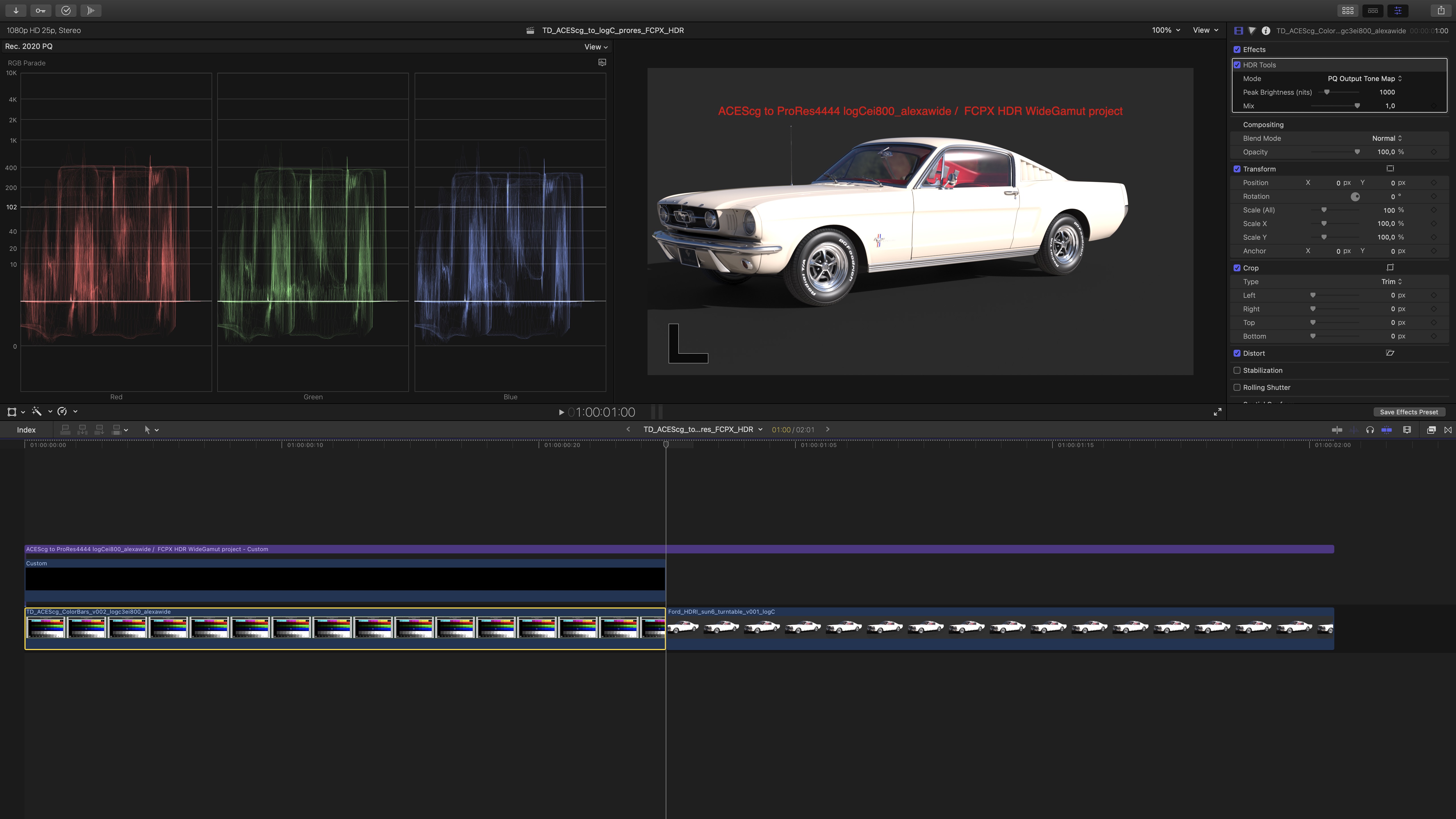
Why can’t I see a proper HDR preview on an iMac2020/MBP2018 UI screen? In FCPX this is possible.
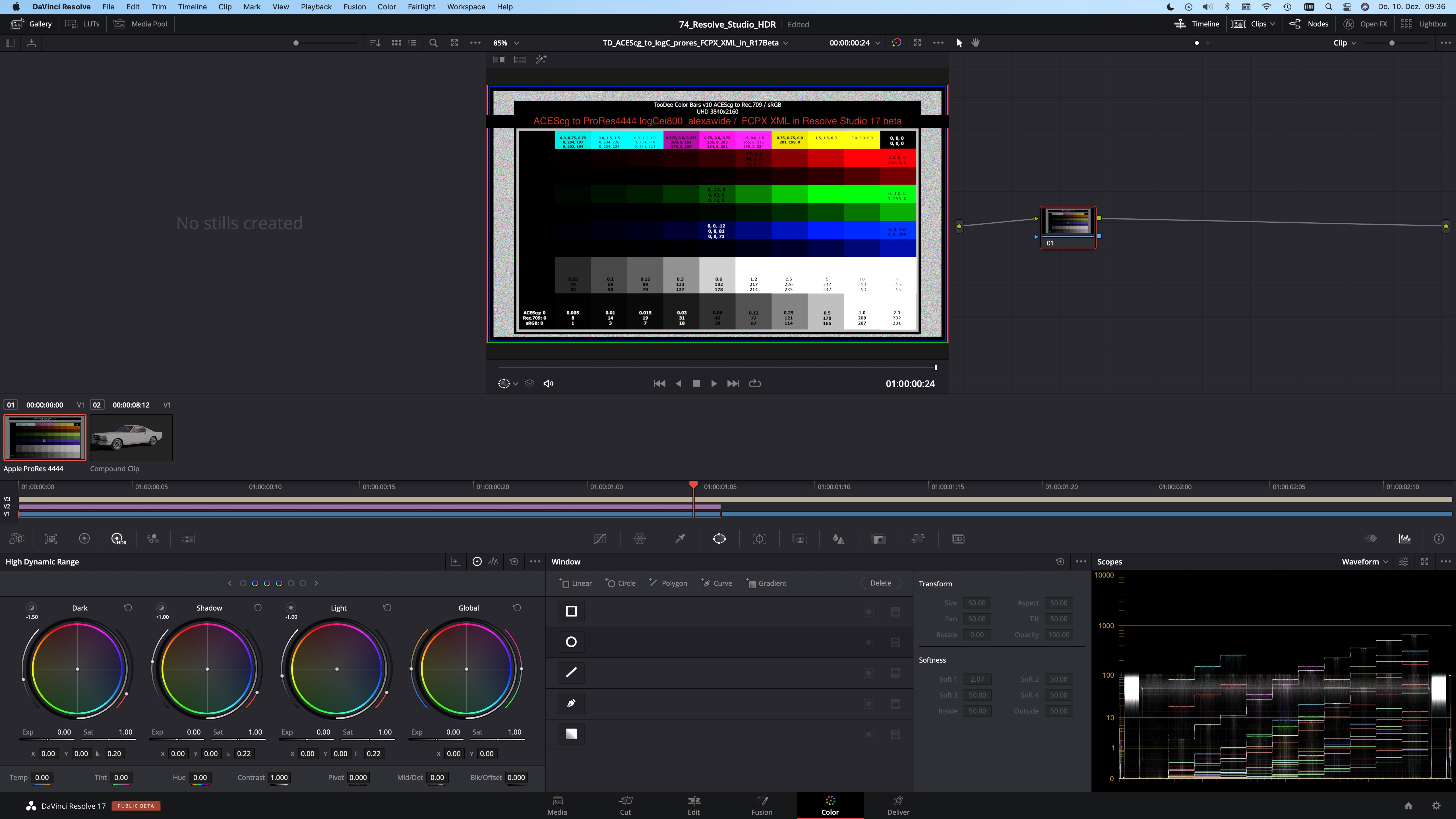
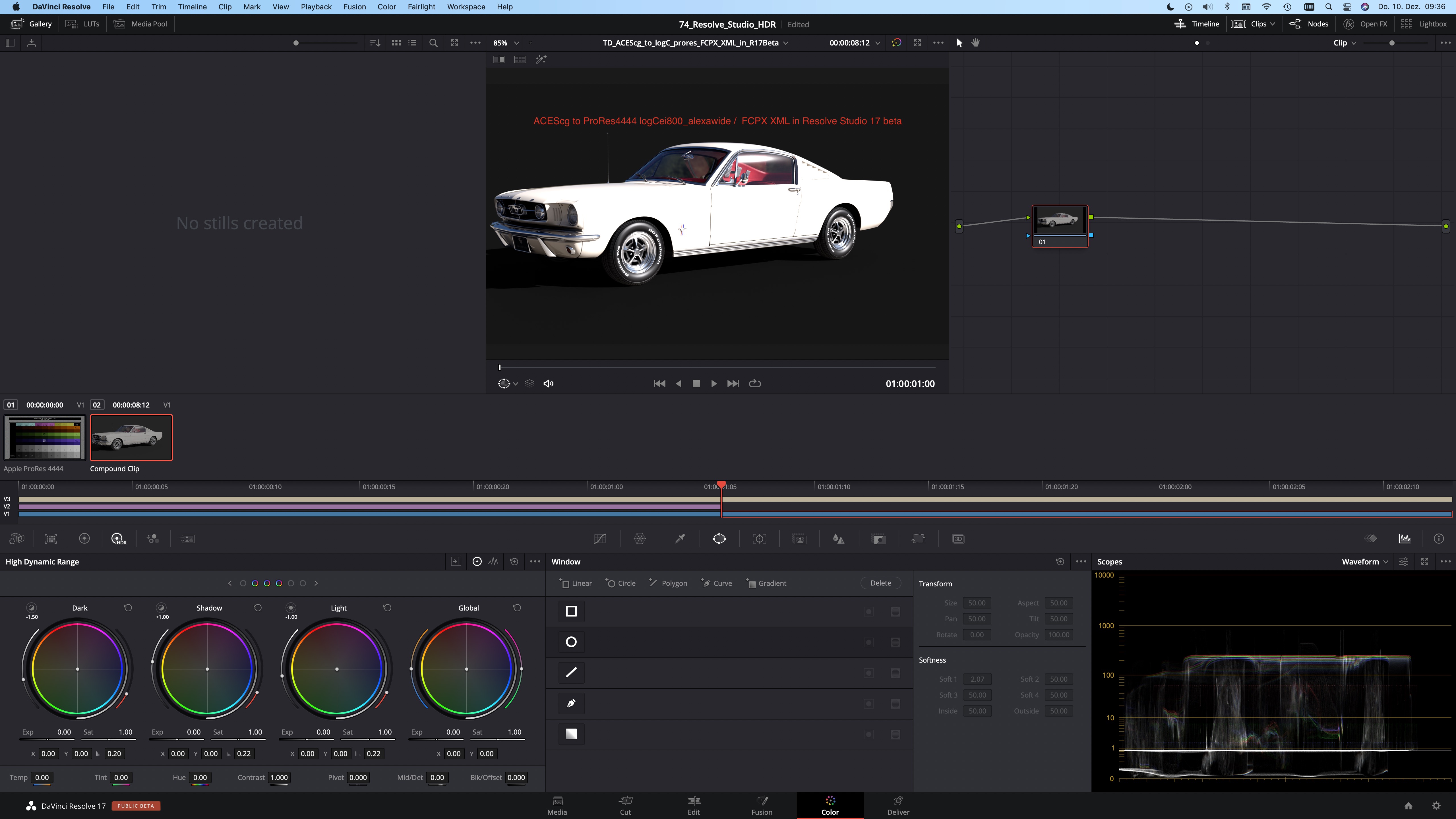
For some time now I am testing with HDR content in FCPX and Resolve Studio. FCPX works best for me with Alexa LogC material in HDR/WideGamut projects. In Resolve I set the project to ACES 1.1 and use the ST-2084 (1.000Nits P3D65limited) ODT for the tests.
Seeing HDR content in FCPX and review the exported ProRes444 files works the same convenient as with SDR footage. What you see inside FCPX is the same as in the Quicktime player.
In Resolve Studio (both V16&V17beta) this is a different story. I can also get a HDR preview in the Resolve UI, but it is vastly to bright. I can’ judge anything here. The exported result as a ProRes 444 however looks very similar to the FCPX output. I am aware that I am comparing two different color management systems and different HDR tone mapping curves.
The following screenshots don’t help much, as they can’t show the HDR values, but the most noticeable difference can be spotted on the grey background of the CG car render, and the overall overblown car paint appearance.
SDR screenshots of HDR UI screens. Not that helpful.
https://vimeo.com/489327142
FCPX HDR/WideGamut project: A Rec.2020 working colorspace and a Dolby PQ view transform with a HDR tone mapping to 1.000 nits maximum.
https://vimeo.com/489327199
Resolve Studio ACES 1.1 project: A ACEScct working colorspace and a ST-2084 (1.000 Nits P3D65limited) ODT.
I posted in the Blackmagicdesign forum with no success. I am not sure if this is a bug or I am just missing a button somewhere. I would expect the HDR preview to work very similar in FCPX & Resolve.
Here are some Quicklinks to the articles that are most important to me at the moment. Everything else you can find here by scrolling down or checking the menu in the upper right corner: Panicpost – commercial break
HDR.toodee.de – a little subdomain which features only HDR content – updated in January 2021
SDR next to HDR – my latest article related to HDR, where I try to explain the advantages of HDR content from a perspective of media professionals who did not see their content in HDR (yet), but might like it. – from January 2021